
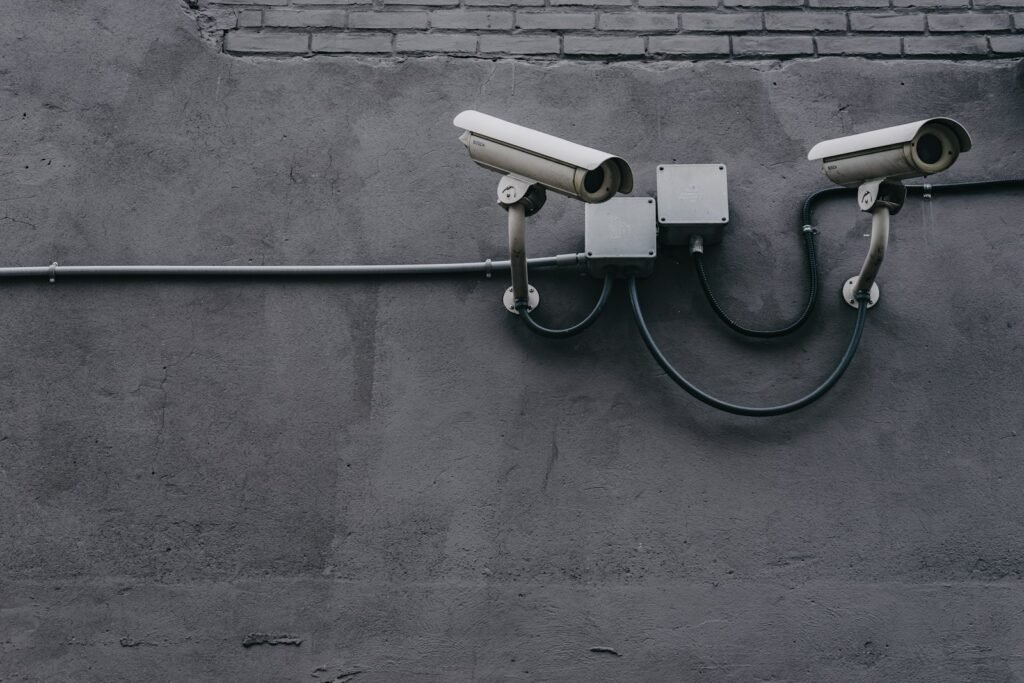
Most camera systems look affordable until the monthly bill shows up. If you are comparing options for security camera installation in Chattanooga, UniFi Protect deserves a look for one reason above the rest: your footage records to hardware you own, and the core features carry no required subscription. Here is how a Protect system works, where the cameras should go, and what an install costs.
Why UniFi Protect: local storage, no required monthly fees
UniFi Protect is Ubiquiti’s camera platform. Each camera connects by network cable to a recorder that sits in your building, and the video is stored there instead of on someone else’s cloud.
Recording, live view, smart detections and the mobile app all come with the hardware. Optional paid extras exist (such as cloud backup), but nothing requires them.
That matters more than it sounds. Cloud-managed business camera platforms typically charge a license for every camera, every year. Published 2026 list prices run $149 to $249 per camera per year. On an 8-camera system, that is roughly $1,200 to $2,000 a year on top of the cameras themselves.
Security camera installation: where cameras should go
Good placement beats a higher camera count. A few rules apply everywhere:
- Mount cameras high enough to be out of reach, but low enough to see faces.
- Cover the approach to a door, not just the door.
- Avoid aiming straight into the sun or a bright window.
- Keep cameras out of places where people expect privacy.
| Business security cameras | Home security cameras |
|---|---|
| Every entrance and exit | Front door and porch |
| Registers and point of sale | Driveway and garage |
| Parking lot and loading areas | Back and side doors |
| Stock rooms and server closets | Gates and side yards |
For homes, keep each camera pointed at your own property and away from a neighbor’s windows.
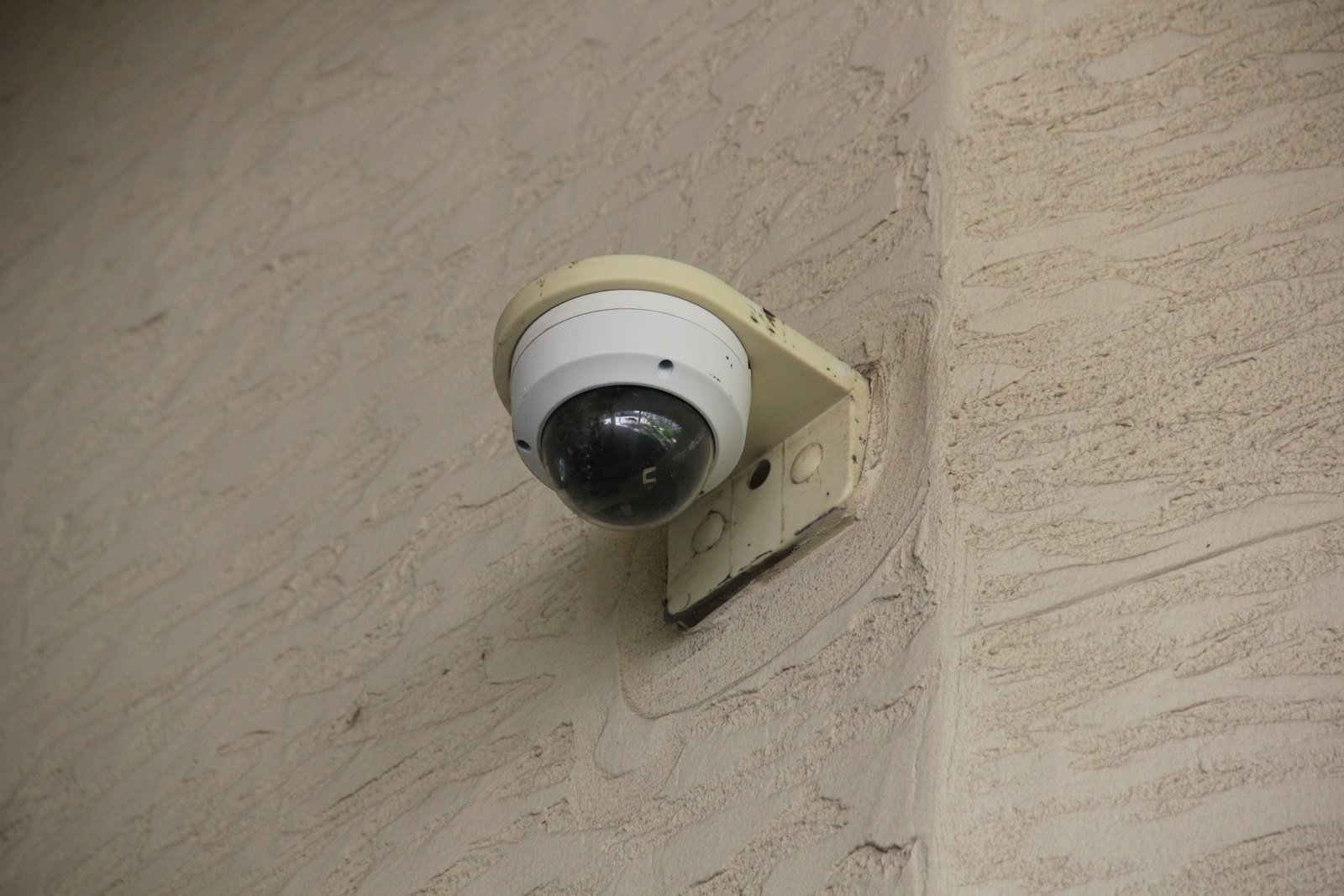
Recording storage: how long footage is kept
The recorder is the heart of the system. Which one you need depends on your camera count and how many days of video you want to keep.
| Recorder | Good fit | What to know |
|---|---|---|
| UniFi gateway with a built-in recorder (such as the Dream Machine Pro) | Homes and small offices already on UniFi | One box runs the network and the cameras |
| UNVR Instant | Homes and small shops with up to 6 cameras | Built-in PoE ports power the cameras, single drive |
| UNVR or UNVR Pro | Larger systems or longer retention | Multiple drive bays for more storage and redundancy |
Retention comes down to camera count, resolution, drive size, and whether you record all the time or only on motion. Tell us how many days you want (30 is a common target for businesses) and we size the drives to match.
Because recording is local, the cameras keep recording when your internet goes down.
Remote viewing from your phone
The UniFi Protect app runs on iPhone, Android and any web browser. You can watch live video, scrub back through recordings and get alerts from anywhere with an internet connection.
Smart detections tell people and vehicles apart from a swaying tree branch, so alerts stay useful. You can also give a manager or family member a separate login with limited access.
What does security camera installation cost?
A camera project has three parts.
- Hardware. Common UniFi cameras currently list from about $129 to $199 each. Recorders run $199 to $499, plus hard drives.
- Cabling. Each camera needs one Cat6 cable back to a PoE switch. Reusing existing cable lowers the cost.
- Labor. Mounting, cable pulls and setup are usually the largest share of the total.
For a ballpark, published 2026 benchmarks for professionally installed business systems run about $250 to $600 per camera where cabling is easy. Exterior cameras that need lifts, conduit or long runs land closer to $700 to $1,500 per camera. [CONFIRM: replace with Riverview’s own typical range if you have one]
With UniFi Protect, there is no per-camera license stacked on top of that number. For security camera installation in Chattanooga and North Georgia, we provide a written quote after a walkthrough.
Security camera installation FAQ
Do the cameras keep recording if the internet goes down?
Yes. Video records to the recorder in your building. Remote viewing comes back when the internet does.
Is there really no monthly fee?
The core features have no required subscription. Paid extras such as cloud backup are optional.
Can I keep my existing cameras?
Often, yes. Protect can record many third-party cameras that support the ONVIF standard. Smart detections work best on UniFi cameras.
Do I need a UniFi network to use UniFi Protect?
No. You need a UniFi recorder, and it can sit on your existing network. A full UniFi network does let you manage everything from one app. Here is what a UniFi install includes.
Do you install wireless cameras?
UniFi makes WiFi cameras, but they still need a power outlet. For anything permanent, we recommend wired PoE cameras because they are more reliable.
Get a security camera installation quote in Chattanooga
Riverview IT is a UniFi Protect installer. We handle security camera installation in Chattanooga, East Brainerd, East Ridge, Middle Valley, Fort Oglethorpe and Dalton for businesses and homeowners. Call (423) 500-0140, email help@riverviewit.com, or contact us online to schedule a walkthrough. Business owners can also see our business security and surveillance systems page.