
Smart Home Upgrades for Homes That Are Already Built
You don't need a construction site to get a smart home. We retrofit Ubiquiti UniFi Wi-Fi, security cameras and smart door access into houses that already exist — without gutting your walls, and without a monthly camera bill.
The Best Time to Wire a House Was Before the Drywall. The Second-Best Time Is Now.
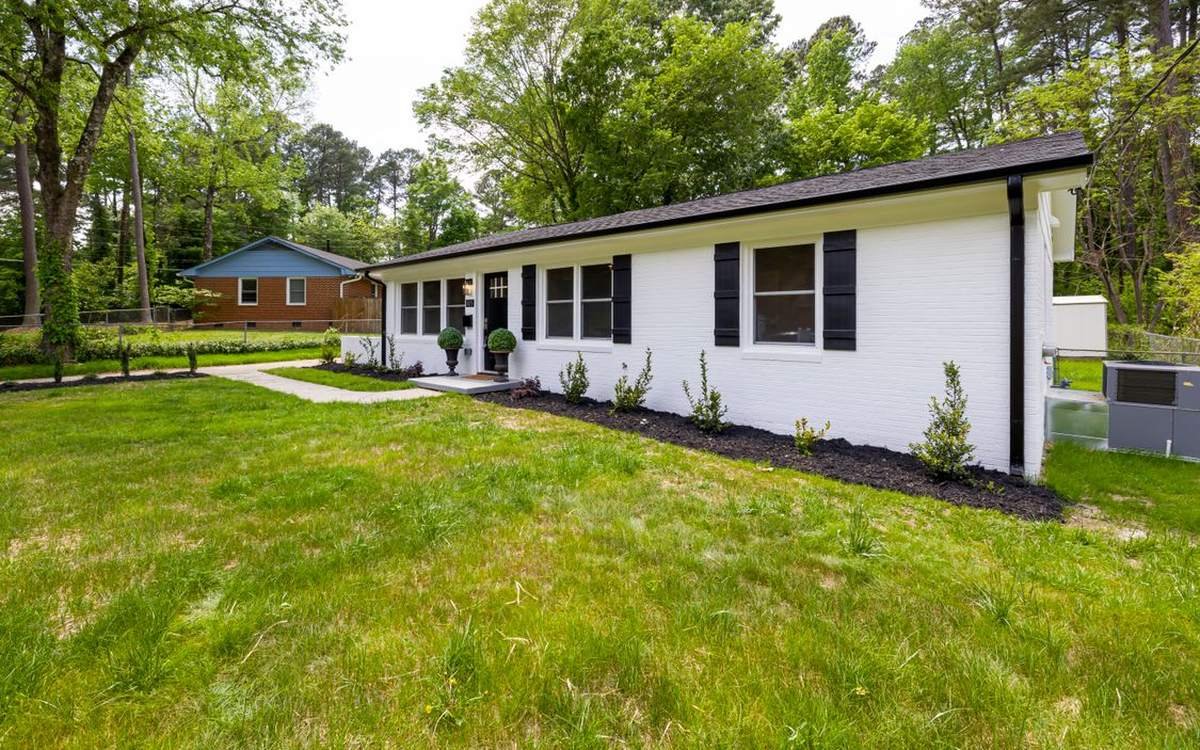
Almost everything written about smart homes assumes you're building one. That's not much help if you live in a 1952 brick ranch in Red Bank, a 1970s split-level in Hixson, or a beautifully renovated home in St. Elmo where nobody thought to run Cat6 behind the shiplap.
Here's the part the industry doesn't say out loud: most of the smart home is retrofittable. The Wi-Fi, the cameras, the door access, the lighting, the thermostats — all of it can go into a finished house. What changes in an existing home isn't whether you can do it. It's how the cable gets from A to B, what it costs to get it there, and which compromises are worth making.
That's the whole job, and it's what we do. We walk your house, find the paths that already exist, and design a system around the building you actually have — not the one a brochure assumed you had.
What Makes an Existing Home Different
Four things decide how easy — and how expensive — your retrofit will be. We assess all four before we quote anything.
How the House Is Built
Plaster over lath, brick veneer, foil-backed insulation, stone chimneys and metal roofing all block Wi-Fi hard. Balloon framing helps cable runs; fire blocking hurts them. Two stories with no attic above the second floor is the hardest case we see.
What Paths Already Exist
Attics, crawlspaces, unfinished basements, laundry chases, closet stacks and old coax runs are free highways. A house with a walkable attic and a crawlspace is a great retrofit. A slab-on-grade home with a finished attic is a puzzle.
Where the Internet Lands
Your service enters at one spot, and that's rarely the right spot for the equipment. Moving the demarcation to a closet or utility room is often the single highest-value thing we do on day one.
What's Already Installed
Existing cameras, doorbells, thermostats, locks and speakers don't automatically get thrown out. We keep what's good, replace what's fighting you, and stop you buying twice.
What We Actually Install in an Existing Home
We standardize on Ubiquiti's UniFi platform for residential work. One system runs your Wi-Fi, your cameras and your doors — managed from one app, with the recordings stored in your house instead of somebody's cloud.
UniFi Gateway or Console
Everything starts here. A UniFi Express 7 suits a smaller wireless-first home; a Dream Router 7 adds PoE, more wired ports and onboard storage so it can run cameras too. Larger homes with several cameras step up to a Dream Machine SE or Cloud Gateway paired with dedicated storage.
It replaces the ISP router, handles the firewall, and keeps guest and smart-device traffic separated from your laptops and work files.
UniFi Wi-Fi 7 Access Points
Real coverage comes from putting several modest access points in the right places, not one powerful box in the wrong place. In existing homes we lean on U7 Pro ceiling units where we can get above, U7 Pro Wall for finished rooms, U7 In-Wall where an existing wall plate gives us a foothold and you want wired ports in the room anyway, and U7 Mesh for outbuildings and patios where cable genuinely can't reach.
UniFi Protect Cameras
Bullet, turret, dome, floodlight and doorbell cameras, up to 4K, powered over the same single cable that carries their video. Person and vehicle detection runs on the device — not in a data center. Footage records locally to your console.
No monthly fee. No per-camera license. No paywalled clip history.
UniFi Access Door Entry
Keycard, fob, phone or PIN entry on exterior doors, garage entries, home offices, gun rooms, wine cellars and short-term-rental units. Full logs of who came in and when, and access you can revoke from your phone the moment a cleaner or contractor is done.
PoE Switches & Retrofit Cabling
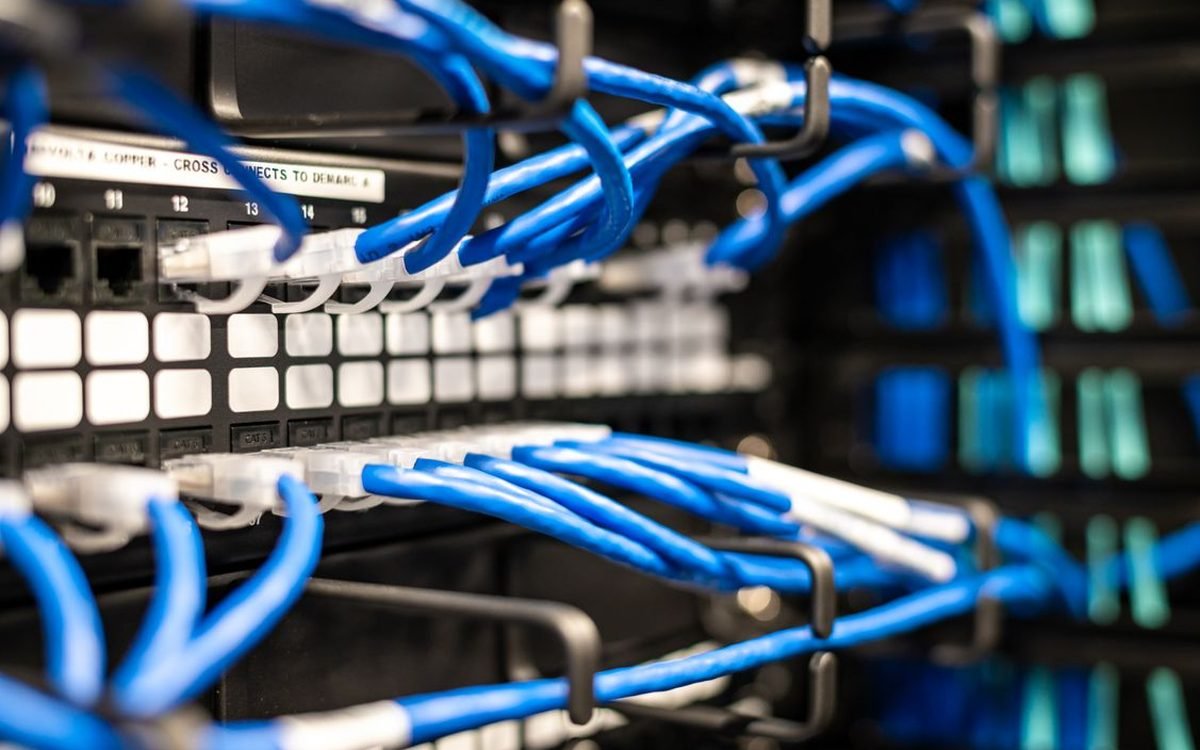
Power over Ethernet means one cable does power and data — no electrician, no outlet behind the camera, no wall wart in the attic. We add PoE switches where the runs land and terminate everything into a tidy panel or rack instead of a nest of adapters on a shelf.
Smart Device Integration
Lighting, locks, thermostats, garage doors, blinds, irrigation and whole-home audio. UniFi doesn't make these — we install and integrate them with the platforms that do it well, and put them on their own network segment so a cheap smart plug never becomes a door into your home office.
Four Ways We Get a Signal Where There's No Cable
Every existing-home project comes down to this question. Most homes use two or three of these approaches in combination — and we'll tell you which rooms are getting which, before you sign anything.
1. Fish New Cat6
The best answer where it's practical. New cable from the equipment closet through attic, crawlspace or wall cavity to the access point or camera. Fastest, most stable, and it's the only option that future-proofs the room.
Best when: there's attic or crawlspace access, or the run is on an exterior wall.
2. Reuse the Coax
Most homes built after 1980 are already threaded with coax to bedrooms and living rooms from the cable-TV era. MoCA adapters turn those dead cable outlets into a fast, wired backbone — no new holes, no fishing.
Best when: coax already reaches the rooms that need coverage.
3. In-Wall at an Existing Plate
Where a single cable already reaches a room, a U7 In-Wall or Pro Wall access point mounts to the existing wall box, covers the room properly, and hands you extra wired ports at the same time. One cable, four jobs.
Best when: one line reaches the room but the room still has dead spots.
4. Wireless Mesh Uplink
Last resort, used deliberately. A U7 Mesh unit links back wirelessly to cover a detached garage, shop, patio or guest house. It works — but it costs throughput and adds a failure point, so we use it where cable truly can't go.
Best when: outbuildings, patios, and rooms not worth opening up.
Anyone who quotes your house without walking it is guessing. We don't.
Book a WalkthroughUbiquiti in an Existing Home: The Real Pros and Cons
We use UniFi because we believe in it. That doesn't make it right for every house, and we'd rather tell you that now than after you've spent the money.
Where Ubiquiti Wins
- No monthly fees, everUniFi Protect records to your own console. No subscription, no per-camera license, no paywall on your own footage. Over five years that difference is usually larger than the hardware cost.
- You own the videoRecordings live on a drive in your house. Not on a server you don't control, and not accessible to a vendor.
- One app instead of fiveWi-Fi, cameras, doors, guest access and device controls in a single interface, with one login and one place to look when something's wrong.
- It actually covers difficult housesCommercial-grade access points, properly placed, solve the brick-and-plaster problem that consumer mesh kits never quite do.
- Power and data on one cablePoE means no electrician and no outlet at each camera or access point — a genuine cost saver in a retrofit.
- It grows without starting overAdd a camera, an access point or a door reader years later and it appears in the same system. Nothing gets replaced to make room.
- We can support it remotelyMost issues get diagnosed and fixed without a truck coming out, which keeps your ongoing costs down.
- Proper network segmentationSmart plugs and TVs get their own segment, separate from your work laptop and home office — something almost no consumer router does properly.
Where It Costs You
- It is not a whole smart home by itselfUniFi does network, cameras and doors. It does not make smart bulbs, thermostats or blinds, and Protect doesn't natively stream to Alexa or HomeKit. The rest gets added separately — we're upfront about that because plenty of companies aren't.
- It really wants wireUniFi is at its best on Ethernet. Wireless meshing works but costs speed and stability, so a retrofit's true cost is mostly cable labor, not hardware.
- Higher up-front costYou're trading a monthly bill for a capital purchase. That's a win over five years and a real hit in month one. If you're moving in two years, the math is closer.
- Not a DIY-friendly platformSegmentation, firewall rules and camera storage planning are where self-installed UniFi systems go wrong. Powerful and unforgiving is a fair description.
- One console is one point of failureIf the gateway dies, Wi-Fi and recording stop until it's replaced. We mitigate with configuration backups and stocked spares — but it's worth knowing.
- Storage has to be plannedMore cameras and higher resolution mean less retention. Deciding you want 60 days of 4K after installation is an expensive change order.
- Wrong fit for renters and short staysIf you can't mount to ceilings, drill exterior walls or run cable, this isn't your system — and we'll point you somewhere better rather than sell you one.
- The lineup moves quicklyUbiquiti refreshes models often. We plan around currently shipping, well-supported gear rather than whatever launched last week.
Our honest rule of thumb: if your home is under about 1,500 square feet, open-plan, and you just want streaming to stop buffering, a good consumer mesh system is enough — and we'll say so. Ubiquiti starts paying for itself when the house fights back: multiple floors, masonry, outbuildings, a home office you can't afford to have go down, or the moment you want cameras and door access without three separate monthly bills.
Ubiquiti vs. Consumer Mesh vs. Subscription Cameras
The comparison most homeowners are actually weighing up, without the marketing.
| Ubiquiti UniFi | Consumer Mesh Wi-Fi | Ring / Nest / Arlo Cameras | |
|---|---|---|---|
| Monthly cost | None | None | Per-camera or per-plan, forever |
| Where footage is stored | Locally, in your house | N/A | Vendor's cloud |
| Up-front cost | Higher | Lower | Lower |
| Coverage in brick, plaster & multi-story homes | Strong — wired APs where they're needed | Degrades fast past two nodes | Depends on the Wi-Fi it sits on |
| Setup complexity | High — professional install recommended | Low | Low |
| Wi-Fi, cameras and doors in one app | Yes | Wi-Fi only | Cameras only |
| Expandable years later | Yes — add to the same system | Limited to the same kit | Add cameras, add subscriptions |
| Smart lighting & thermostats | Not native — integrated separately | No | Partial, within their own ecosystem |
| If something breaks | We fix it, usually remotely | Support chat and a replacement box | Support chat and a replacement box |
| Best fit | Homes that defeat consumer gear, or owners who want to stop paying subscriptions | Smaller, open-plan homes with modest needs | Renters and quick, temporary setups |
Want the deeper version of this comparison? Read Ubiquiti vs. Ring Security Cameras: The Real Difference and why Ubiquiti is our pick for residential deployments.
How a Retrofit Actually Goes
Four stages, no surprises, and a real human answering the phone at every one of them.
Walk the House
We come out, survey actual signal room by room, check the attic and crawlspace, find where your internet lands, and ask what's been annoying you. Free, and there's no obligation attached to it.
Design & Quote
You get a plan showing where each access point, camera and cable run goes, what gets opened up, what it costs, and how many days it takes. Phased options if you'd rather spread it out.
Install & Clean Up
Cable pulled, gear mounted, everything terminated into a tidy panel. Drop cloths down, holes patched, and we don't leave a mess in your attic for the next person to find.
Show You & Support It
We walk you through the app, set up who has access to what, and stay reachable afterwards. Most problems we solve remotely, before you've noticed them.
What a Retrofit Typically Involves
Every existing home is different, so a fixed price list would be dishonest — the same three cameras cost very differently in a home with a walkable attic versus a two-story slab home with finished ceilings. What we can tell you is how projects usually scope out.
Fix the Network First
A UniFi gateway plus two or three access points, placed properly. This is where most homes should start, because cameras, locks, thermostats and streaming all sit on top of it. Usually a single day on site.
Add Cameras & Doors
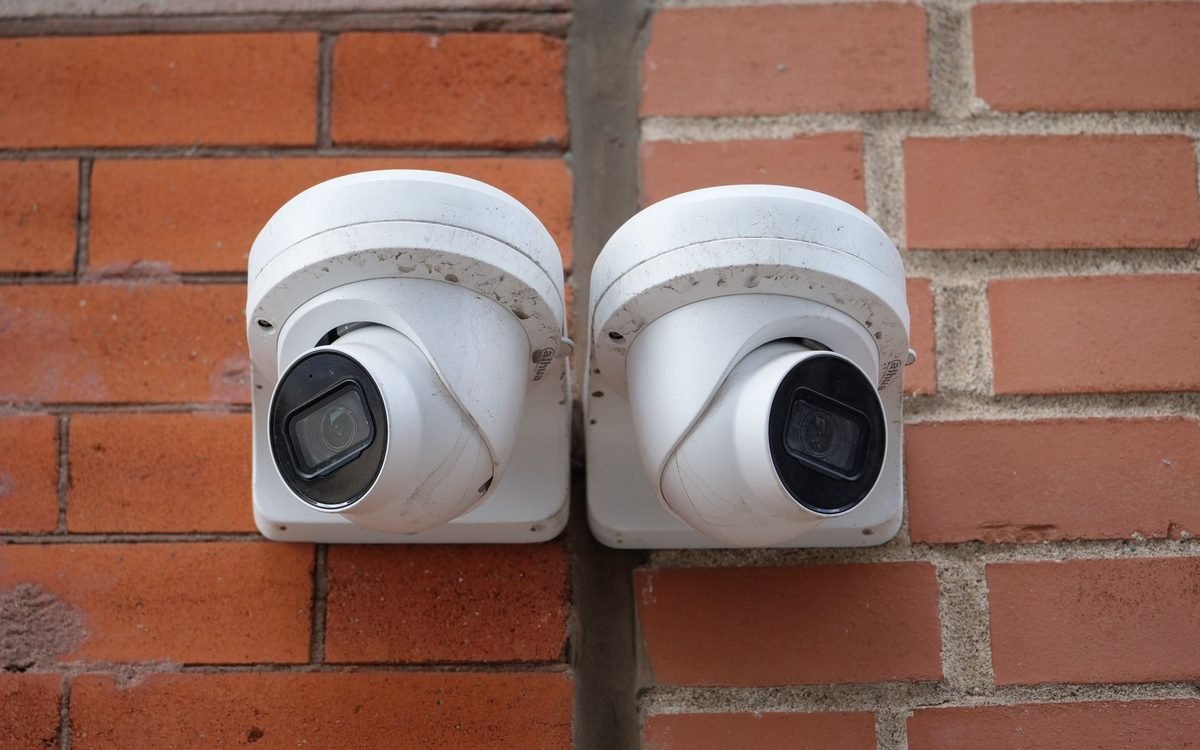
Four to eight UniFi Protect cameras, a doorbell, and door access on the entries that matter. Storage sized to the retention you actually want. Typically two to four days including cabling.
Integrate the Rest
Lighting, thermostats, locks, garage, audio and automations — layered on once the foundation is solid, at whatever pace suits your budget.
Where the money goes: in an existing home, hardware is usually the smaller half of the number. Labor to get cable from one place to another is the larger half — which is exactly why the walkthrough matters, and why phasing the work over a couple of seasons is a perfectly sensible thing to do.
Existing-Home Smart Tech FAQ
Can I have a smart home if my house was built before ethernet was a thing?
Yes. Most of the homes we upgrade in Chattanooga were built long before anyone ran network cable. We work with what the house already has — existing coax, attic and crawlspace runs, closets and chases — and pull new Cat6 only where it actually earns its keep. A 1940s brick bungalow in St. Elmo and a 1998 two-story in Hixson need different approaches, which is why we walk the house before quoting anything.
Do you have to tear open my walls?
Usually not much. Most retrofit cable is fished through existing wall cavities, attics, crawlspaces and closets, and comes out at a small low-voltage ring that a standard wall plate covers. Some homes — plaster over lath, balloon framing, finished basements, no attic access above a second floor — need a few small access holes that get patched. We tell you before we start exactly where we expect to open anything, and if a room is genuinely not worth the disruption, we'll say so and use a wireless option there instead.
Is Ubiquiti actually worth it compared to a $300 mesh kit from the store?
It depends on the house and how much you care. If you live in a 1,200 sq ft open-plan home and you mostly stream and scroll, a consumer mesh kit is genuinely fine and we'll tell you that. Ubiquiti earns its cost in homes that defeat consumer gear — brick and plaster walls, multiple floors, detached garages and shops, long lots, 60+ connected devices — and in homes where you also want cameras and door access on the same system instead of four separate apps and three separate monthly bills.
Do UniFi Protect cameras have a monthly fee?
No. UniFi Protect records to storage inside your own UniFi console in your house. There is no required monthly subscription and no per-camera license to keep recording, review footage or export a clip. You pay for the hardware once. That is the single biggest reason our clients switch from Ring, Nest or Arlo — a four-camera subscription plan can quietly cost more over five years than the entire UniFi system did.
Will Ubiquiti work with my Alexa, Google Home, HomeKit and smart lights?
Alongside them, not instead of them — and this is the part most companies gloss over. UniFi is a networking, camera and door-access platform. It does not make smart bulbs, thermostats, blinds or voice assistants, and UniFi Protect does not natively stream to Alexa or HomeKit. What UniFi does is give all of that gear a network solid enough to actually work, on a separate segment so your smart bulbs are not sitting on the same network as your laptop. We install and integrate the lighting, lock and thermostat side separately using the platforms that do it best.
How long does a smart home retrofit take?
A focused Wi-Fi upgrade — gateway, two or three access points, tidy up the rack — is typically one day. A whole-home project with cameras, door access and cabling to several rooms is usually two to four days on site, sometimes split across two visits so drywall or paint touch-ups can dry between them. We give you a day count in the proposal, not a vague range.
What if my home is brick, plaster, or has a detached garage or shop?
Those are exactly the homes where this pays off. Brick, plaster-over-lath, foil-backed insulation, stone fireplaces and metal roofing all wreck consumer Wi-Fi, and adding another mesh node usually makes it worse rather than better. The fix is more access points, in the right places, on wire — plus a directional or outdoor link to a detached garage, shop or guest house. We survey signal in the actual house rather than guessing from a floor plan.
Can I start small and add to it later?
Yes, and for most existing homes that is the smart way to do it. Start with the gateway and Wi-Fi, because everything else depends on the network being right. Add cameras next season, door access the season after. Because it is all one platform, nothing gets thrown away and nothing needs re-configuring from scratch — you add a device and it appears in the same app you already use.
Smart Home Retrofits Across the Chattanooga Area
We're based here, we drive these roads, and we know which neighborhoods are full of gorgeous old houses that eat Wi-Fi for breakfast. When you call, a local person answers.
- Chattanooga
- Signal Mountain
- Lookout Mountain
- Red Bank
- Hixson
- Soddy-Daisy
- Ooltewah
- East Brainerd
- Harrison
- Collegedale
- East Ridge
- Apison
- Cleveland, TN
- Ringgold, GA
- Fort Oglethorpe, GA
Working on a house that hasn't been built yet? See our residential new construction services. Managing a rental or short-term let? We do smart rental technology too.
Let's See What Your House Can Actually Do
Free walkthrough, honest assessment, and a plan that fits the home you already own. If a simpler solution is the right call, we'll tell you that too.
Or email help@riverviewit.com — a real local person answers.