
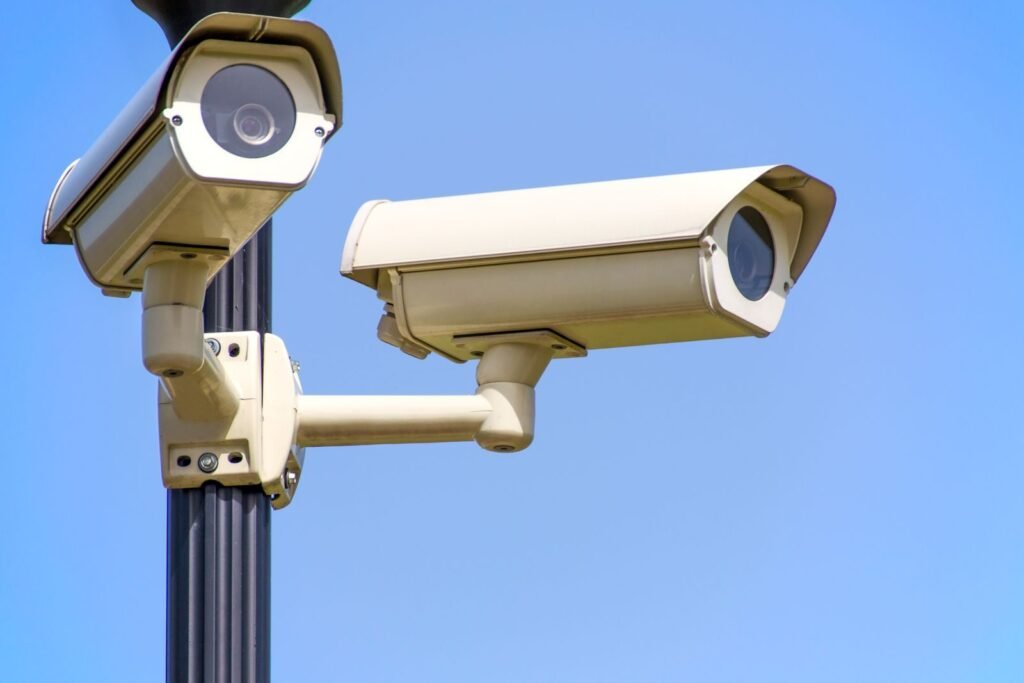
Home security cameras have never been more popular — one in five U.S. internet households now has a video doorbell, according to Parks Associates. But there’s a catch most people discover after the box is open: the camera is just the down payment. Want to actually see recorded video? That’ll be a monthly subscription. Per camera, in many cases. Forever.
Here’s the good news: those fees are a business model, not a technical necessity. Professionally installed local-storage systems record everything, cost nothing per month, and put you in full control. Here’s how they work.
Why Big-Brand Cameras Charge Monthly Fees
Popular consumer cameras upload footage to the manufacturer’s cloud servers. Storing millions of customers’ video costs the company real money — so they pass it to you as a subscription, often $10–$20+ per month per household, with prices that have repeatedly increased. Skip the fee and most of these cameras become little more than live-view gadgets: motion happens, but the recording either doesn’t exist or vanishes in hours.
Over ten years, those “small” fees quietly add up to $1,200–$2,400 or more — often exceeding the cost of an entire professionally installed system.
The Alternative: Your Footage, Stored in Your Home
Local-storage (on-premises) systems — like the Ubiquiti-based systems we install — work differently:
- Cameras record 24/7 to a recorder inside your home, not to a company’s cloud. Weeks of continuous footage, not 60-second motion clips.
- No monthly fees. Ever. You buy the equipment once; recording and remote viewing are simply features you own.
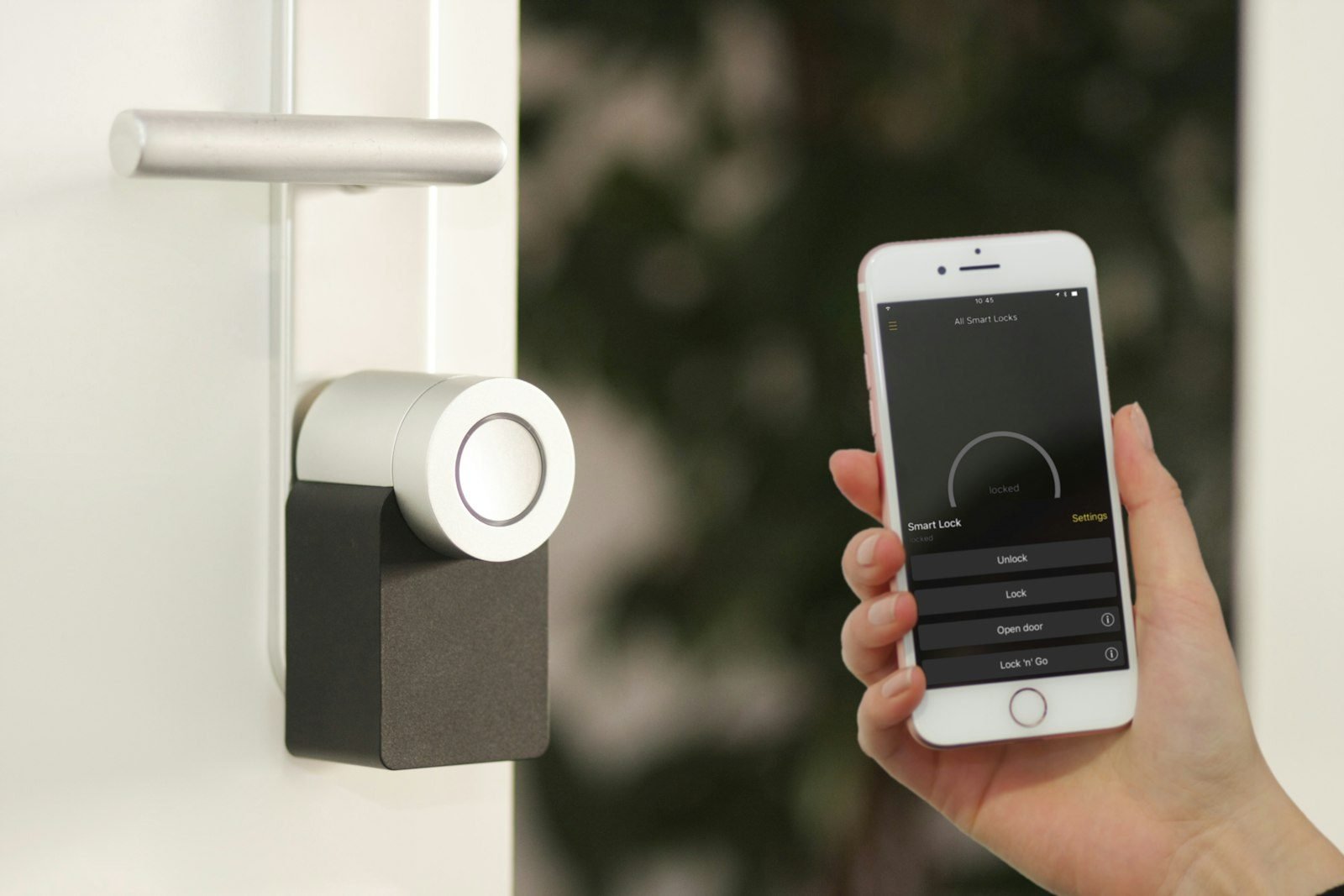
- Full remote access from your phone — live view, playback, and smart alerts from anywhere, just like the subscription brands.
- Your data stays yours. Footage of your family never sits on a third-party server, can’t be mined, and isn’t subject to a provider’s breach or policy change.
- No internet outage blind spots for recording. Cloud cameras can stop saving footage when your internet hiccups; local systems keep recording regardless.
“Is Local Storage Actually Secure?”
Done right, more so. Consumer cloud cameras are a frequent target for account takeovers, and connected households already face a steady stream of attack attempts against their smart devices, as documented in recent smart home security research. A professionally configured local system runs on its own secured network segment with encrypted remote access — and follows the home-network hygiene the FCC recommends. The weakest link in most camera setups isn’t the storage location; it’s the configuration. That’s what professional installation fixes.
Who This Makes the Most Sense For
- New construction. Camera wiring installed during framing is clean, invisible, and dramatically cheaper than retrofitting exterior walls later. It’s a standard part of our new construction technology packages.
- Homeowners tired of fee creep. If your subscription has been raised twice and you’re still getting 30-second clips, you’re the ideal candidate.
- Short-term rental owners. Exterior cameras (configured with guest privacy in mind) protect the property with no per-property monthly fees — one reason they’re included in our smart rental technology tiers.
Own Your Security — Literally
Riverview IT designs and installs subscription-free camera systems for homes, new builds, and rental properties across the Chattanooga area — high-resolution cameras, on-site storage you own, remote viewing from anywhere, and local support when you have questions. Schedule a free consultation or call (423) 500-0140, and we’ll design a system for your property with a one-time price and a $0 monthly bill.